
PDF Guides
Best Free PDF Tools Online: An Honest Comparison
Search for a free PDF tool and you will find dozens, all promising to merge, compress and convert with no effort. They are not identical. Some limit how many tasks you can run, some need an account, and they differ in where your file goes while it is processed. This guide compares the main options fairly, including ours, so you can pick the one that suits the job in front of you.
By GaryLast updated 8 min read
See all PDFAreUs toolsWhat to compare before you choose
Four things matter most. First, how the tool limits free use: a daily task cap, a file size limit or a requirement to create an account. Second, where processing happens: on your device, or on the provider's servers after you upload. Third, which features you actually need, since some jobs such as editing existing text or legally certified signing need more than a basic tool. Fourth, whether you want an app for your phone or desktop rather than a website.
The details below were checked in September 2026 from each provider's own pages where they could be reached. Plans and limits change, so treat them as a snapshot and confirm on the provider's site before you rely on them.
Using a tool without an account
An account can mean an email address, marketing messages, stored files and a password to manage. For one quick task, skipping all that is a real advantage, and it matters on shared or borrowed computers where you would rather not log in. But no sign-up does not always mean no limits, so read what the free tier includes before you choose a file.
- Daily or hourly task limits
- One free task, then sign-in required
- Watermarks or download restrictions
- File size or page limits
PDFAreUs
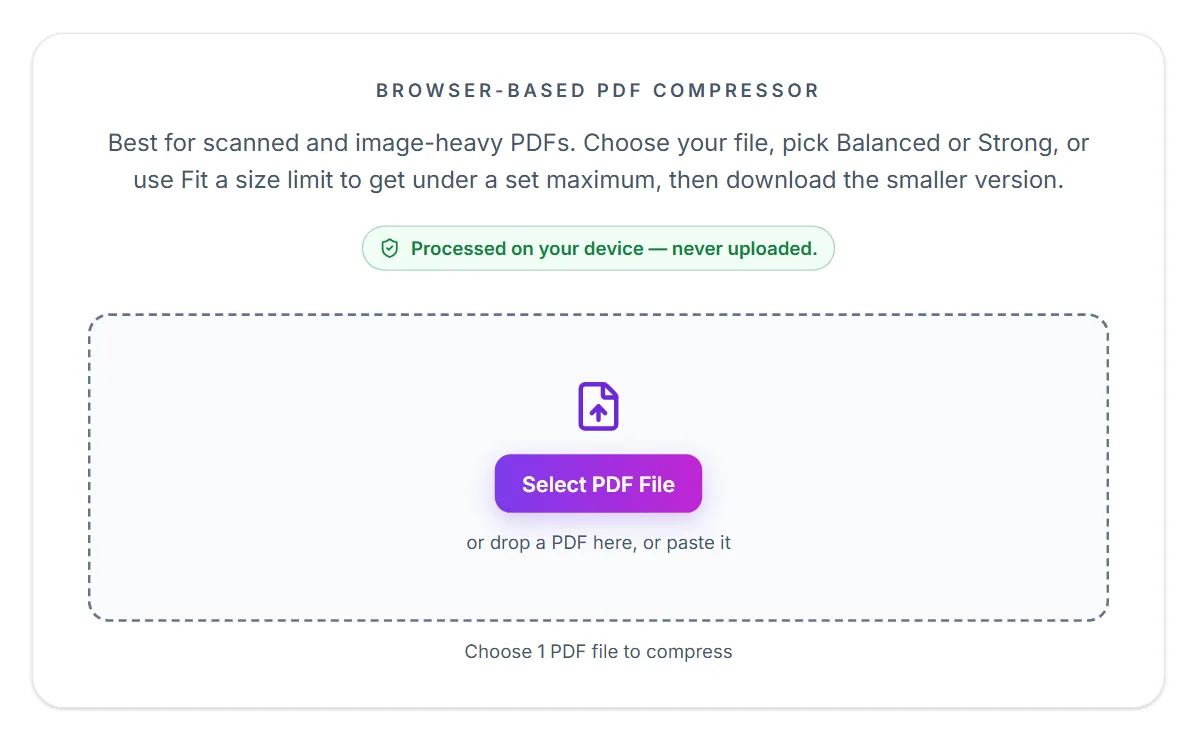
PDFAreUs offers 50 tools for merging, splitting, compressing, converting, signing, protecting and repairing PDFs. Every tool runs in your browser, so your files are not uploaded to a server, and there is no sign-up or watermark.
The trade-offs are real. It is a website only, with no mobile or desktop app. It cannot edit the existing text of a PDF. Its OCR currently recognises English text only. The signing tool places a visible signature image and does not provide identity verification or an audit trail. Very large files depend on your own device's memory.
iLovePDF
iLovePDF is a large, well-known toolset. Its free plan works on the web, with file size limits that vary by tool and limited batch processing. Its paid Premium plan adds larger files, unlimited batch processing and desktop and mobile apps. Files are processed on its servers and, according to its security page, deleted within two hours. It states ISO/IEC 27001 certification and GDPR compliance.
iLovePDF: where your file goes
This is the biggest difference. PDFAreUs runs every tool in your browser, so your file stays on your device and is never uploaded. iLovePDF processes files on its servers. Its security page says files are automatically deleted within two hours of processing, that connections use HTTPS, and that it holds ISO/IEC 27001 certification and is GDPR compliant.
For a public flyer the difference hardly matters. For a contract, an ID or a medical record, avoiding an upload can be reassuring, though a well-run service can also be a reasonable choice.
iLovePDF: free limits and cost
PDFAreUs has no sign-up, no daily cap and no paid tier, but large files depend on your device's memory. iLovePDF's free plan is web only, with file size limits that vary by tool and limited batch processing. Its paid Premium plan removes those limits and adds larger files, unlimited batch processing and AI credits.
iLovePDF: features and apps
iLovePDF offers a broad toolset and, on its paid plans, desktop and mobile apps, which we do not have. It also states compliance with the eIDAS framework for its electronic signatures, which matters if you need a stronger signing process. Our signing tool places a visible signature image and does not offer identity verification or an audit trail.
PDFAreUs adds tools that suit specific tasks, such as splitting by file size, a visual page organiser and a PDF accessibility spot-check. Our OCR is English only.
- PDFAreUs: no upload, no account, no daily limit, web only
- iLovePDF: apps on paid plans, batch processing, larger files, certifications
- Both: merge, split, compress and convert the common formats
Smallpdf
Smallpdf offers a polished set of tools and, on its Pro plan, features such as text editing, OCR, batch processing and app access. The free plan has a small daily limit on tasks; at the time of writing it was reported as two per day, so check its pricing page. Files are processed on its servers and removed after about an hour, and it states ISO 27001 certification and GDPR compliance.
Smallpdf: daily limits and pricing
Smallpdf's free plan has a small daily cap on tasks; at the time of writing it was reported as two tasks per day across its tools. Its Pro plan removes the cap and adds more than 40 tools, unlimited downloads, text editing, OCR, stronger compression, batch processing and app access. Prices differ by billing period and region, so we do not quote them here.
PDFAreUs has no daily cap, no account and no paid tier. The limit is your own device: very large files can be slow or fail if the browser runs out of memory.
Smallpdf: how files are handled
Smallpdf uploads your file to its servers to process it. It says files are removed after about an hour, that it is based in Switzerland with EU-hosted infrastructure, and that it holds ISO 27001 certification and complies with GDPR. Documents sent through its e-signature flow are kept for longer, so read its privacy pages if that applies to you.
PDFAreUs processes everything inside your browser. Your file is never sent to a server, which removes the retention question altogether.
Smallpdf: features and where it is stronger
Smallpdf is stronger on editing existing text, on OCR breadth, on batch work and on having mobile and desktop apps. We do not offer text editing, our OCR is English only, and our signing tool adds a visible signature image without an audit trail.
Where PDFAreUs helps: the tools are free with no account, several are aimed at specific jobs such as splitting by file size, and the guides on the site cover practical scenarios like job applications and form uploads.
- PDFAreUs: free, no account, no upload, no daily task limit
- Smallpdf: paid apps, text editing, OCR, batch, AI features
- Both: merge, split, compress and convert the common formats
Adobe Acrobat online, PDF24 and Sejda
Adobe's online tools are made by the company behind the PDF format. Without signing in, most tools give you one free transaction; signing in with an Adobe account unlocks more, and premium tools are limited on a rolling 30-day basis.
PDF24 offers online tools and a free Windows desktop program, PDF24 Creator, which works offline on your own computer. It is Windows only. Sejda is known for in-browser editing and has a free tier with hourly task and size limits, reported at three tasks per hour and 200 pages or 50 MB, so check its site for current figures.
Everyday scenarios
Signing a lease scan, merging two pages of ID or shrinking a photo-heavy PDF for an email are jobs where an in-browser tool is quick and keeps the document with you. Cleaning up a folder of fifty files at once, or working in the same tool on a laptop and a phone, is where iLovePDF's paid features and apps earn their cost.
Neither choice is permanent. Both sites let you try a task without committing, so the practical approach is to use whichever fits the file in front of you.
What you give up by skipping an account
Working without an account has small costs. You usually get no saved history, so if you close the tab the result is gone unless you downloaded it. You cannot pick up a task on another device, and there is often no account-based support if something goes wrong. Paid features that live behind an account, such as cloud storage or team sharing, are out of reach. For most one-off jobs those are fine trade-offs.
A quick way to test any tool
Try a small, harmless file first. If the tool asks you to register before letting you download, or adds a watermark, you have your answer in a minute and have risked nothing. Avoid uploading sensitive documents to any tool until you are comfortable with how it handles them.
How to choose
Pick a browser-based tool that processes locally, such as ours, when privacy and no account matter most. Pick a provider with paid apps if you work with PDFs daily on several devices, need batch jobs or want text editing. Pick a desktop program such as PDF24 Creator if you are on Windows and want everything offline. For anything needing a legally certified signature, use a dedicated signing service.
- Occasional jobs and privacy: a tool that runs in your browser
- Daily heavy use across devices: a paid plan with apps
- Offline on Windows: a desktop program
- Certified signatures or text editing: a specialist tool
Frequently asked questions
Which free PDF tool is the best?
There is no single best. It depends on whether you value privacy, no sign-up, batch processing, apps or advanced editing. This guide lists the trade-offs.
Are online PDF tools safe?
Reputable ones use encryption and delete uploaded files after a short time, but uploading still means your file leaves your device. Tools that process in your browser avoid the upload entirely.
Can I use PDF tools without creating an account?
Yes. Some tools, including PDFAreUs, need no account. Others limit free use or ask you to sign in for more.
Do free PDF tools have limits?
Often yes: daily task limits, file size limits, or a requirement to sign in. Check each tool's current terms.
Is PDFAreUs really free?
Yes. There is no sign-up, no paywall and no daily task limit, although very large files depend on your device's memory.
Is PDFAreUs a Smallpdf alternative?
For everyday tasks such as merging, splitting, compressing and converting, yes. It does not replace Smallpdf's text editing, apps or batch features.
How many free tasks does Smallpdf allow?
It has a small daily limit, reported at two per day at the time of writing. Check its pricing page for the current figure.
Does Smallpdf keep my files?
It says it removes uploaded files after about an hour for most tools, with longer retention for documents in its e-signature flow.